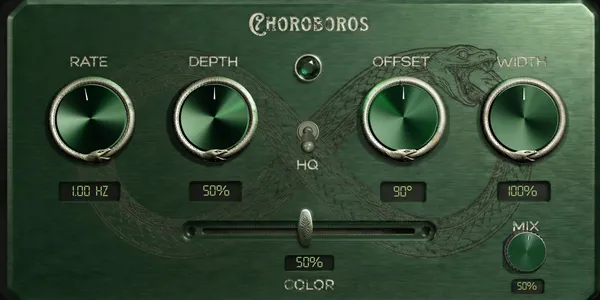
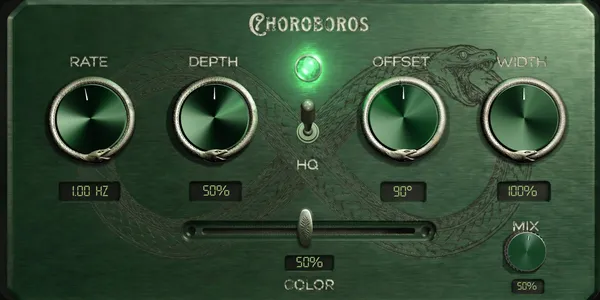
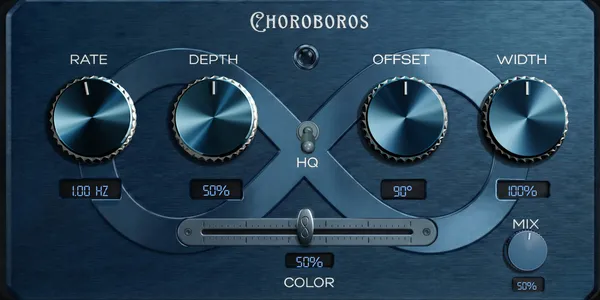
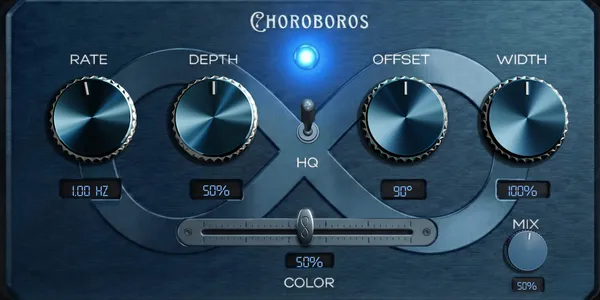
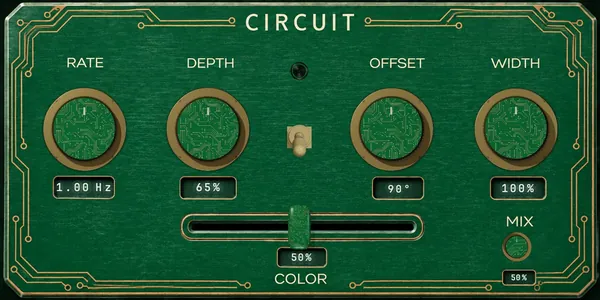
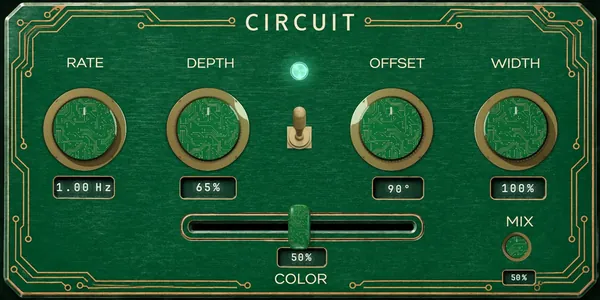
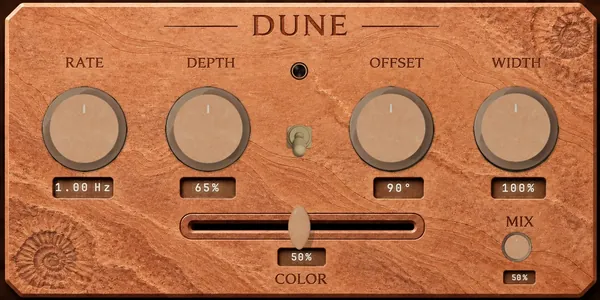
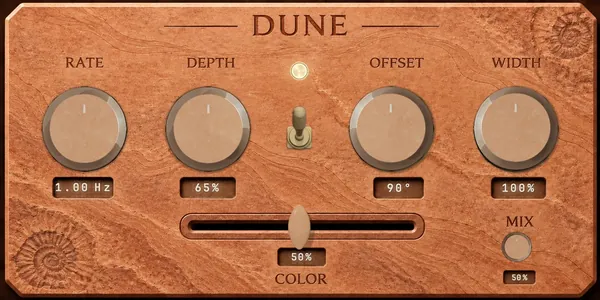
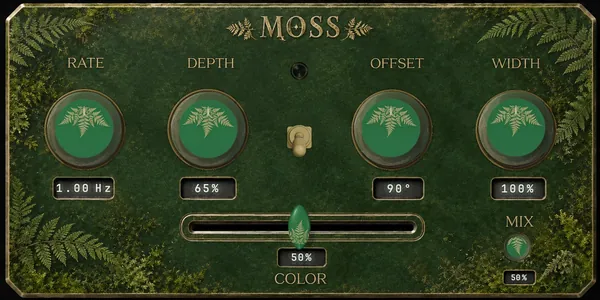
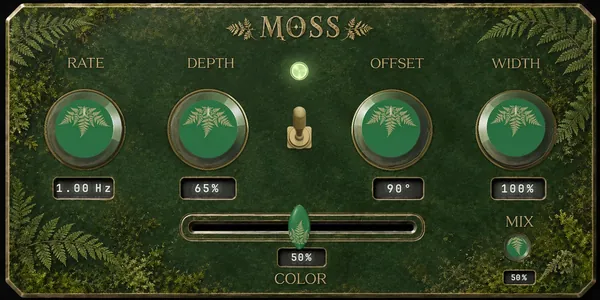
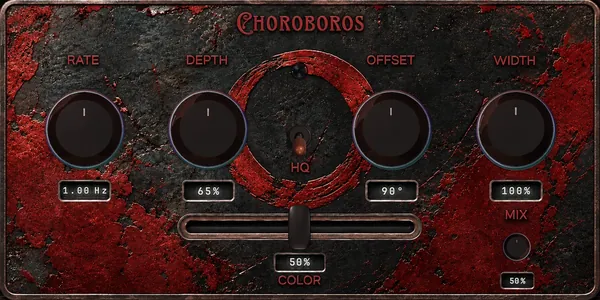
Green
Best for
Warm acoustic and synth sends
Available for Mac and Windows
Great sound doesn’t sit still.
Five prebuilt chorus engines for motion, width, color, and texture. Available for Mac and Windows x64.
 First release: macOS VST®3 / AU / AAX / StandaloneWindows x64 VST3 installer · Linux in preparation
Green and Purple are free without a time limit. No card or licence key needed. Blue, Red, Black and Create are included in the paid edition.
Buy Choroboros
$49.99 USD.
Buy Choroboros, receive your license key by email, and download the Mac or Windows x64 installer. One purchase, lifetime updates, 30-day refund. Plus applicable taxes, shown at checkout.
Trailer
Five distinct chorus voices: warm, wide, vintage, experimental, and dense. The first release is a focused macOS instrument built for everyday production work.
Engines
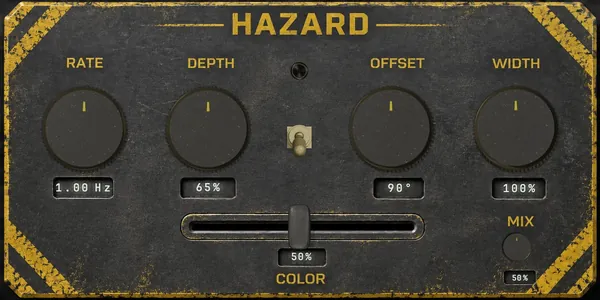
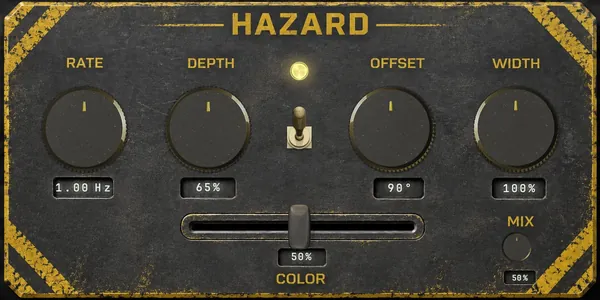
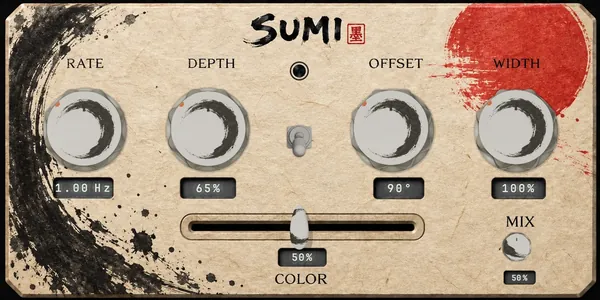
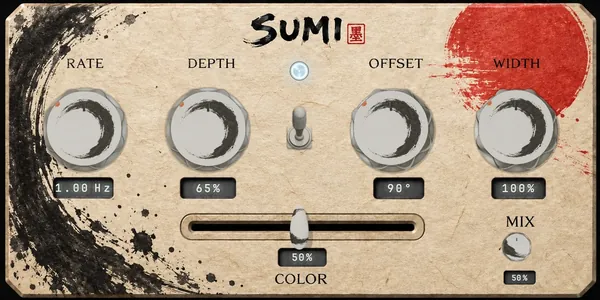
Green
Best for
Warm acoustic and synth sends
Blue
Best for
Clean width on vocals and buses
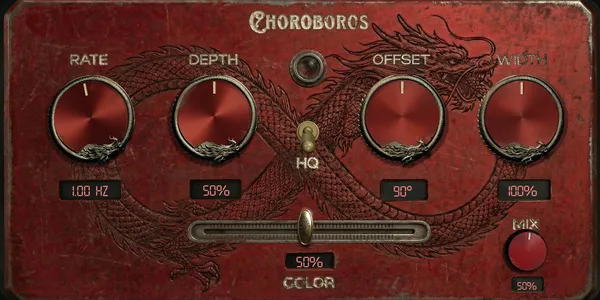
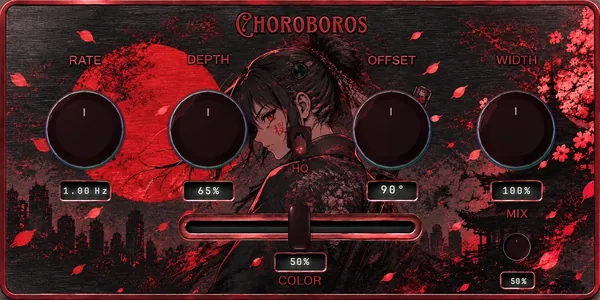
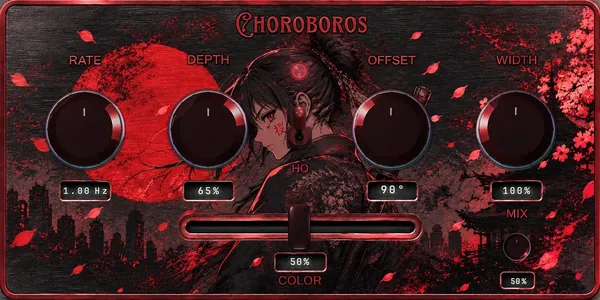
Red
Best for
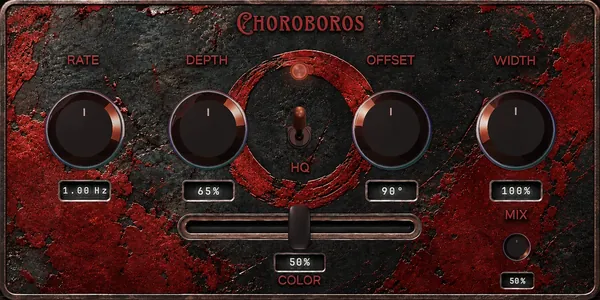
BBD AND TAPE. VINTAGE INSTABILITY.
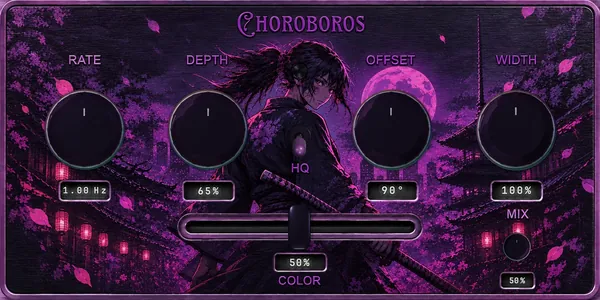
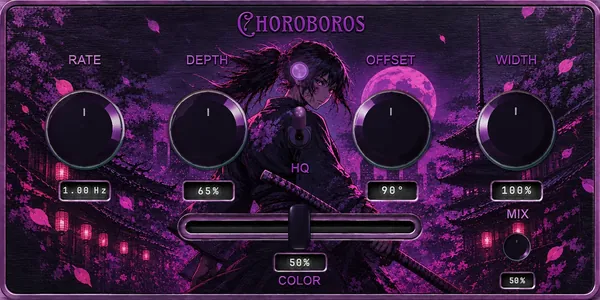
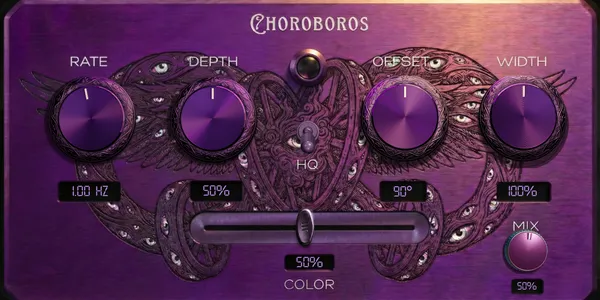
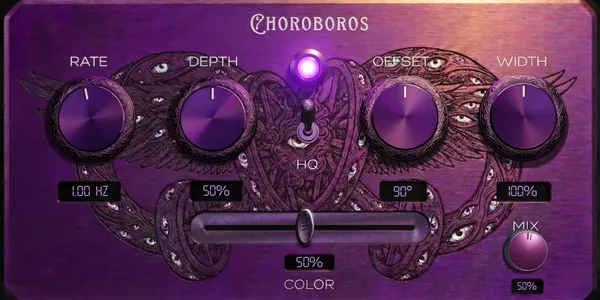
Purple
Best for
STRANGE TEXTURES, SOUND DESIGN, WEIRDNESS
Black
Best for
Dense ensembles. Low CPU.
Five prebuilt engines. Seventeen cores.
Choroboros includes five prebuilt chorus engines, 17 sound cores, lifetime updates, support, and Create. Create is the guided workspace for building custom engines from the ten cores inside the prebuilt engines and seven additional cores. Use our artwork packs or import your own panels and controls. Create is included for licensed users. Activation works offline; signed sharing requires an internet connection.
Five prebuilt chorus engines Create included No subscription
Apple Silicon + Intel 44.1k to 192k VST3 AU AAX Standalone
30-day refund Secure checkout Commercial license and support included
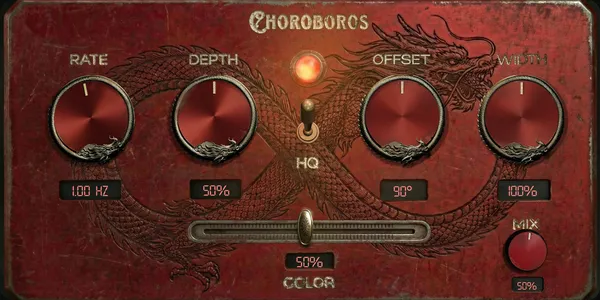
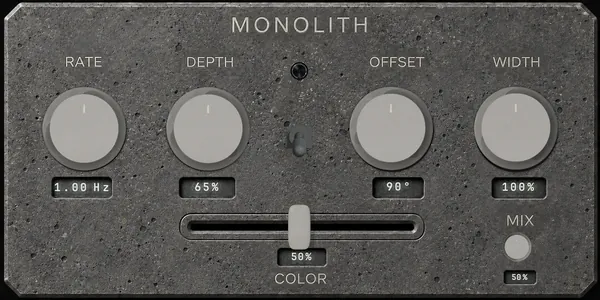
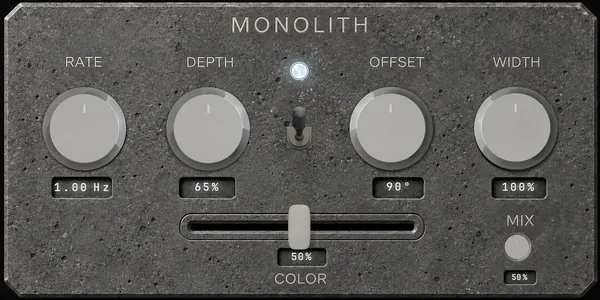
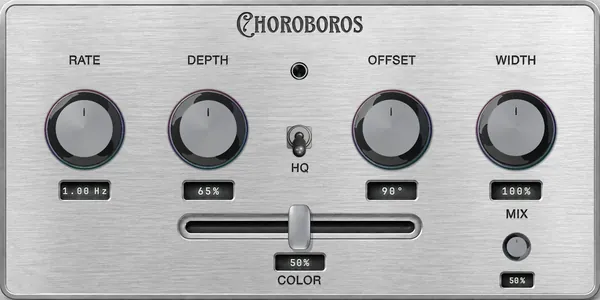
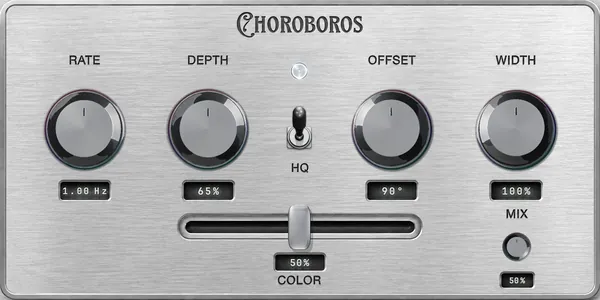
Custom artwork
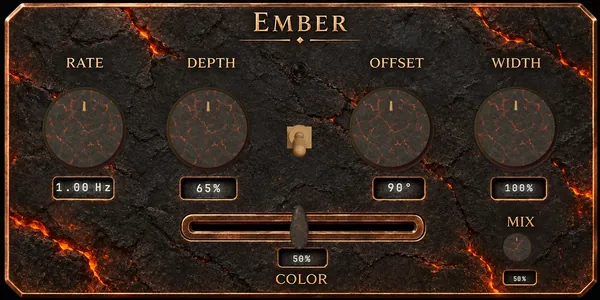
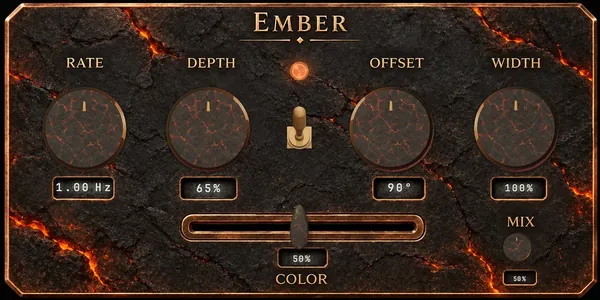
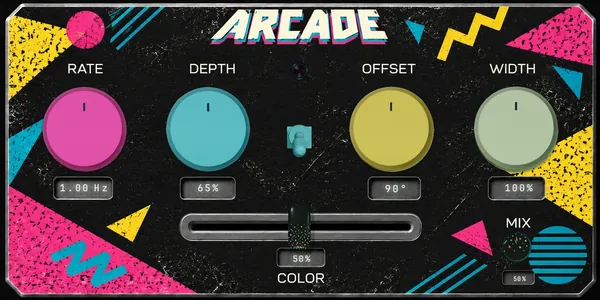
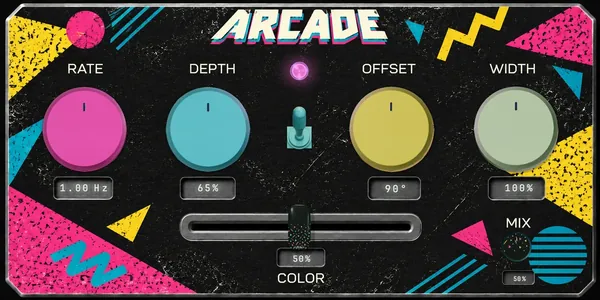
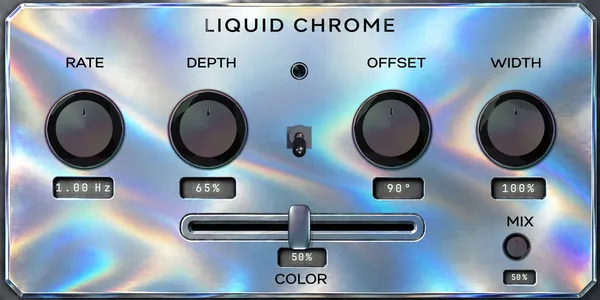
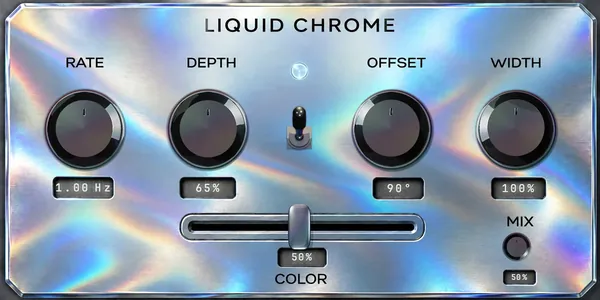
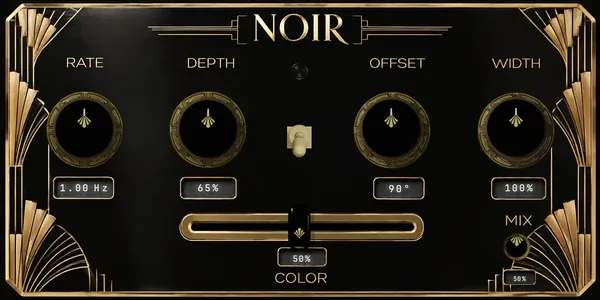
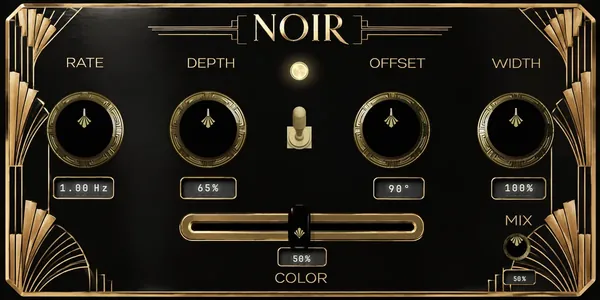
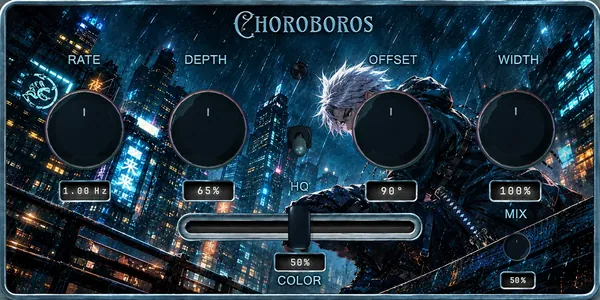
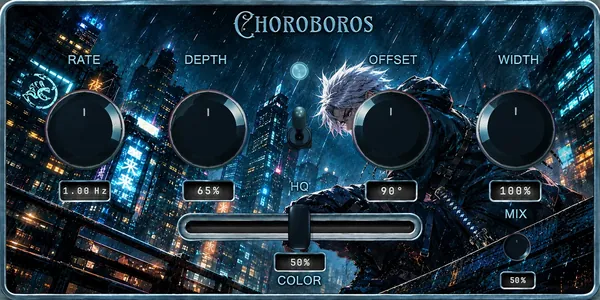
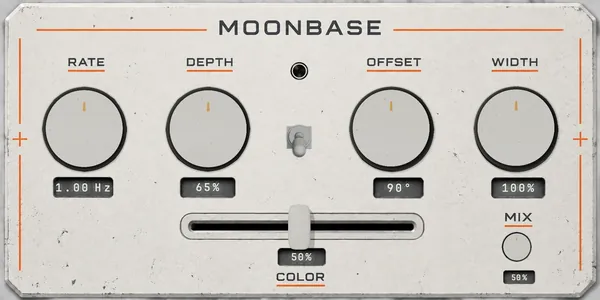
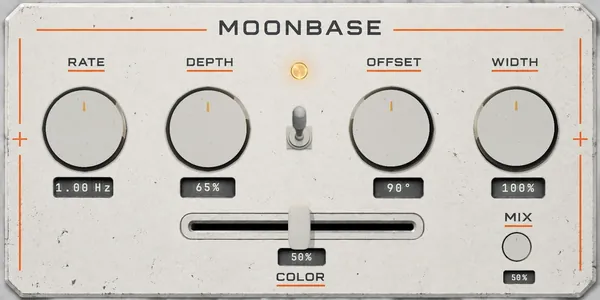
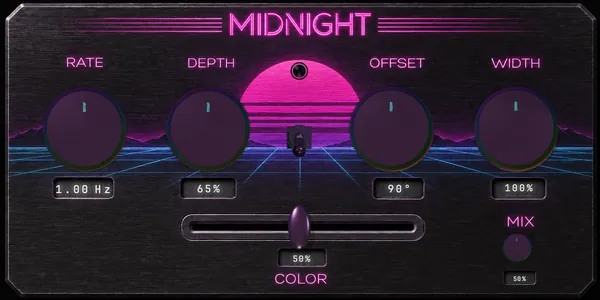
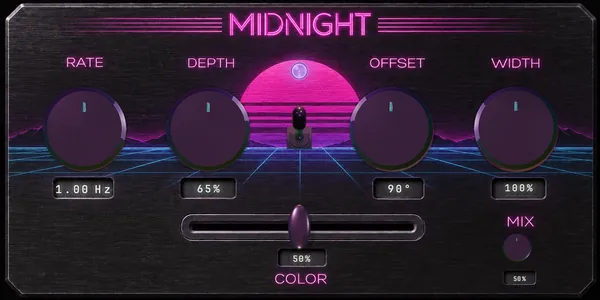
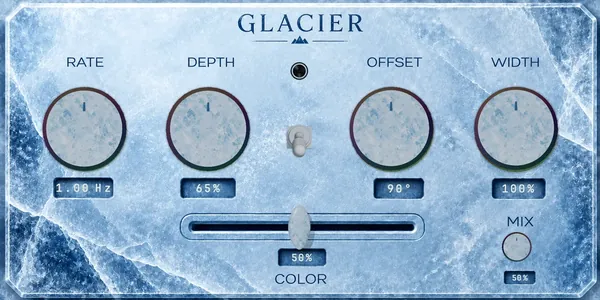
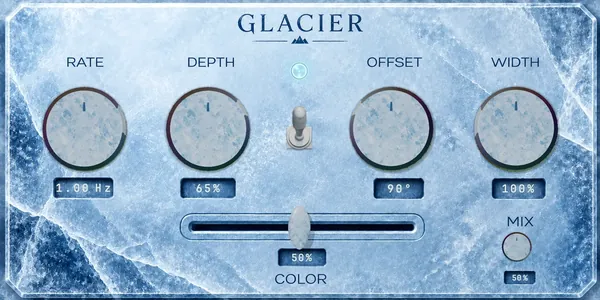
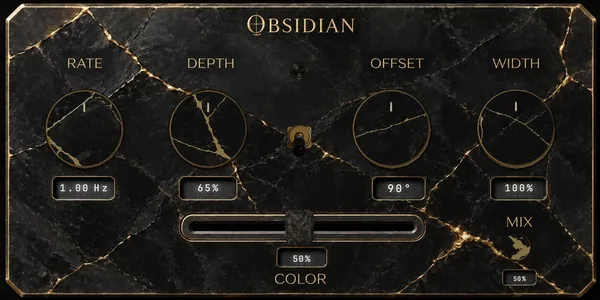
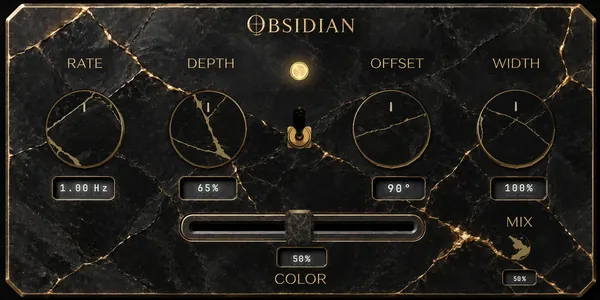
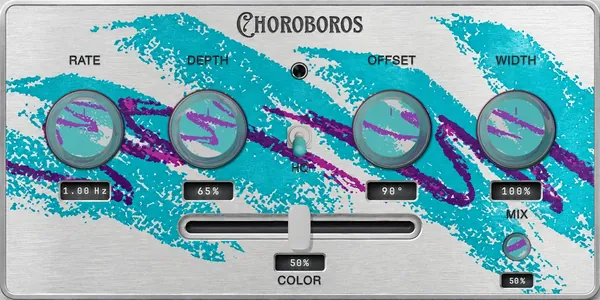
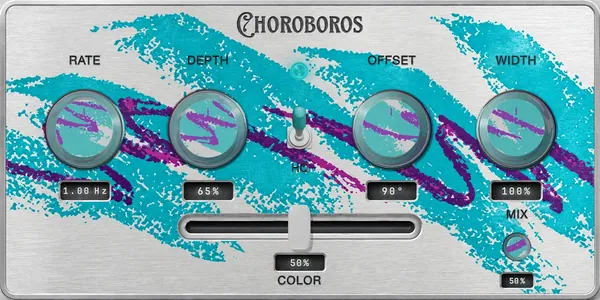
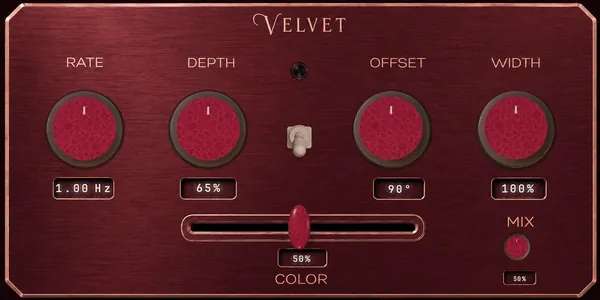
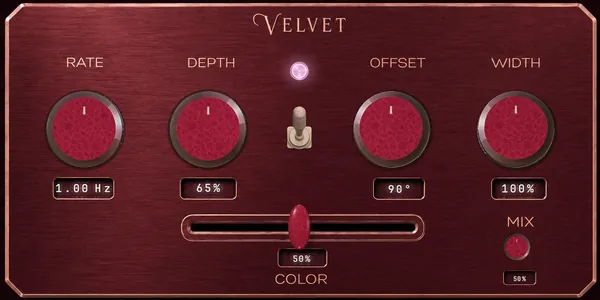
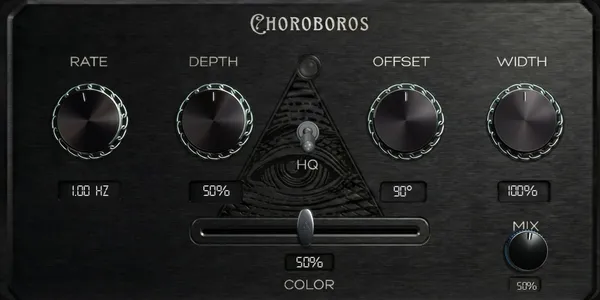
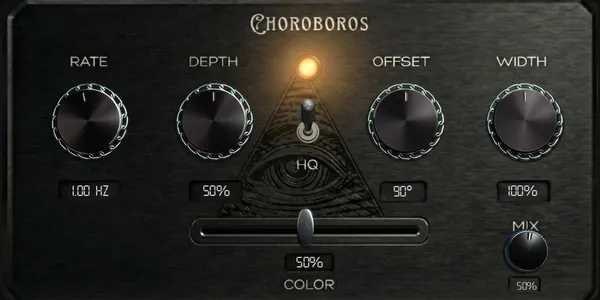
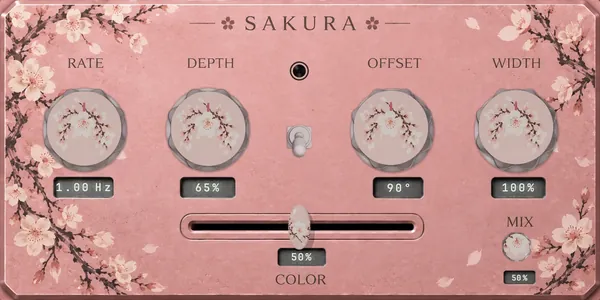
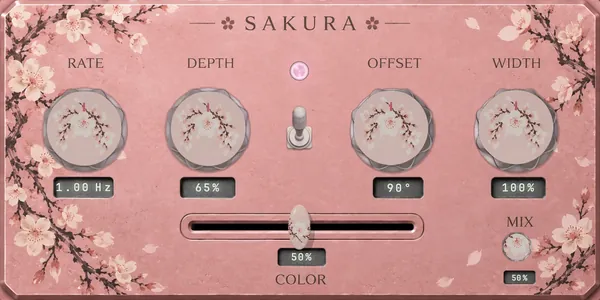
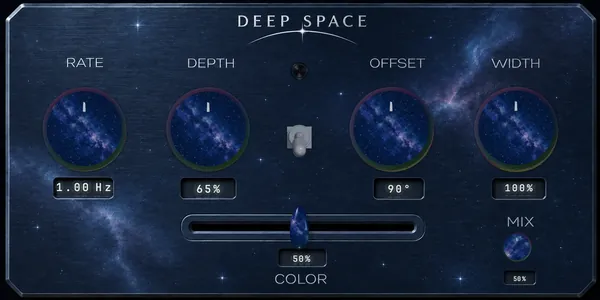
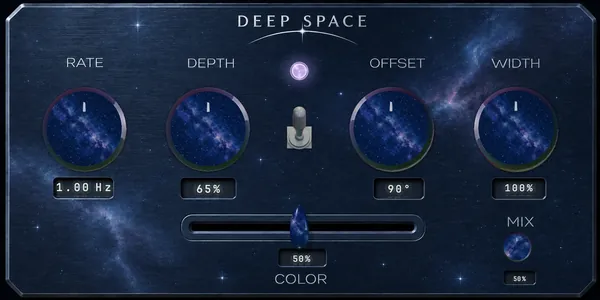
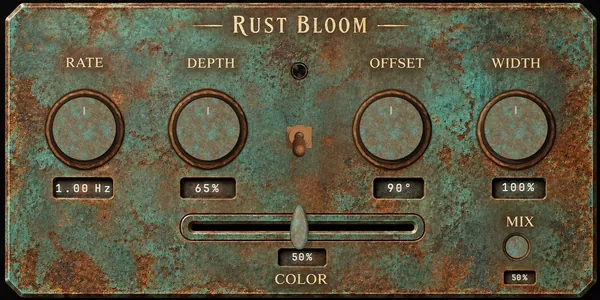
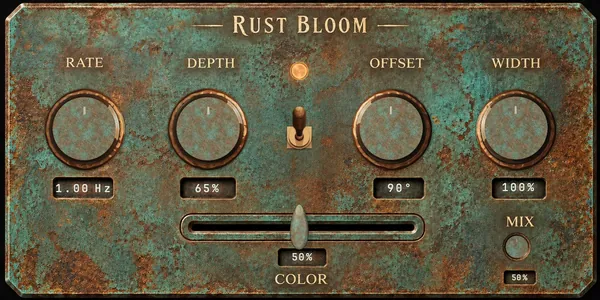
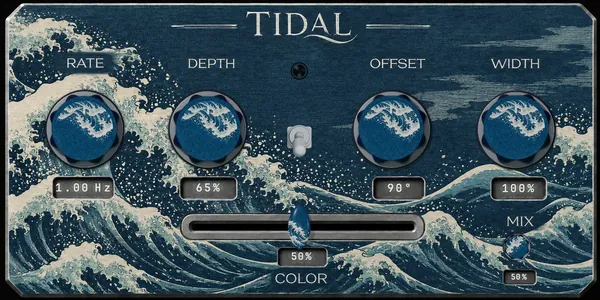
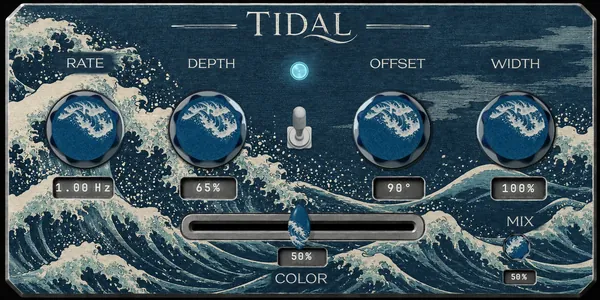
Five prebuilt engines, 17 sound cores, and twenty-six custom looks. Build your own engines and artwork packs in Create. Preview the lighting, then download matching backgrounds, knobs, switches and sliders.
Green and Purple engines, without a time limit. No signup, payment card or licence key required.
Get Free for Mac or WindowsAll five engines, including Blue, Red and Black, plus Create for custom engine building and engine import/export.
One-time US$49.99 licence, plus applicable taxes shown at checkout. Existing purchase and refund terms apply.
See the full licenceCurrent downloads: Mac installer and Windows x64 VST3 installer. Linux is still in preparation. Previously issued trials keep their original terms.
Pricing
One-time purchase for the full edition, plus applicable taxes shown at checkout. No subscription. Lifetime updates and a 30-day money-back guarantee.
Receive your license key by email, download the package for your platform, and activate using Register in Choroboros. Engine Builder is included for licensed users.
Availability
Choroboros is available for macOS in AU, VST3, AAX and standalone formats, and for Windows x64 as a signed VST3 installer. Linux is not released yet. Windows AAX and a Windows standalone app are not included. Questions: support@kaizendsp.com.
Before you start
Choroboros is released. The commercial version launched for macOS on 20 September 2026 and the presale has ended. Version 1.0.5 is the current release. Use the Free edition without a time limit or buy a full licence now.
Those version numbers belong to the free open-source beta, which closed on 30 April 2026. The commercial release started again at 1.0. Version 1.0.5 is the current release. Older beta coverage also describes Windows and Linux builds and a dev panel; the current Windows release is an x64 VST3 ZIP, Linux is not released, and Create replaces the dev panel.
Green and Purple are free on macOS and Windows x64 VST3 without a payment card or licence key. There is no time limit on the Free edition. A paid licence unlocks Blue, Red, Black and Create, including custom engine building.
Choroboros includes five prebuilt engines: Green, Blue, Red, Purple and Black. Each uses two cores, making ten factory cores. Create also includes seven additional cores, for 17 supplied sound cores in total.
Yes. In Create, choose one or two supplied cores, modify sound recipes and combine them with a supplied artwork pack or your own backgrounds, knobs, switches and sliders. Create is included in the paid edition. Existing issued trial access is honored under its original terms.
The current commercial release is available for macOS in AU, VST3, AAX and standalone formats. Windows x64 VST3 is available as a signed installer that includes the factory artwork, with a manual ZIP as an alternative; no Windows AAX or standalone app is included. Linux is not released. Check the download page for files and installation instructions.
No. The commercial version uses Create for custom engine building. Older open-source and beta articles describe a separate dev panel and earlier platform availability.